Sales pipeline
Move deals from first touch to close with stages, tasks, and proposals in one place.

The Zen of Lead Gen
Your AI team lives in the Office — the people you talk to. This workspace is the toolkit they already have in place: pipeline, inbox, campaigns, and the desk that gets the work done.
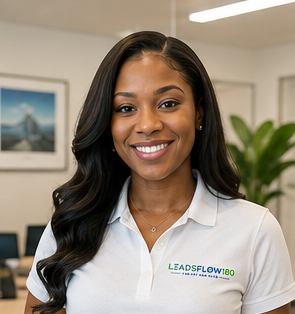






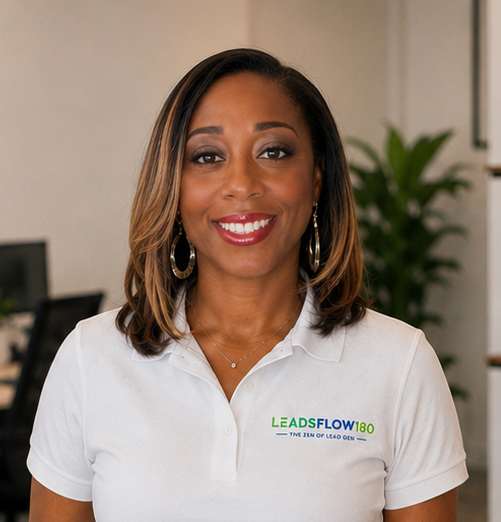 20 specialists
Preview of the CRM workspace — Sales pipeline, inbox, and marketing live inside the same product.
The WHO
The stage keeps moving so you meet everyone. Tap a face to put them on stage — rotation stays on Play. AI Office is who you speak with — this CRM is the desk they already work from.
Live
Chair
Project Manager & Meeting Chair
The WHO you talk to first. Mia assigns work and keeps every job moving in the Office.
Talk in AI Office. Their work lands in this CRM.
Open DashboardThe HOW
One login. One workspace. Pipeline, messaging, and marketing stay connected to the same contacts.
Move deals from first touch to close with stages, tasks, and proposals in one place.
Email, SMS, and chat stay on the contact — so the next reply is never a scavenger hunt.
Campaigns, funnels, and social publishing run from the same workspace you sell from.
Follow-ups, tags, and hand-offs run in the background after you set the rules once.
Booking pages and calendars create contacts automatically when someone books a call.
Owners, due dates, and internal work stay attached to the deal — not a side spreadsheet.
Workspace
Create an account, land in your CRM, and add the first contact when you are ready.